



On this page
If you're searching for a Cheap Houston RDP that can handle real workloads without performance issues, you're not alone. Many low-cost RDP providers promote attractive pricing but compromise on CPU allocation, disk performance, or network routing. From a server administration perspective, it’s common to see oversold nodes, outdated Xeon processors, and shared storage bottlenecks that limit real-world performance.
A more reliable option is choosing a provider that focuses on modern infrastructure and fair resource allocation. For example, DigiRDP offers Houston-based Ryzen RDP plans hosted in professional US data centers. Their setup emphasizes NVMe 4.0 storage, proper CPU pinning instead of heavily shared cores, and optimized routing for low-latency connectivity across North America.
If you're planning to buy RDP service for trading, automation, surveys, or development tasks, servers located in Houston provide a strong balance of speed, network stability, and cost efficiency — making it a practical choice for both beginners and advanced users.
What Is Cheap Houston RDP?
A Cheap Houston RDP is a budget-friendly Remote Desktop hosted in Houston, designed to deliver low US latency, modern CPU performance (such as Ryzen-based systems), NVMe storage, and stable bandwidth. The best plans balance affordability with dedicated resources, full admin access, and reliable uptime — without overselling or artificial throttling.
Why Houston Is a Strategic Location for RDP
Houston has become one of the more efficient US hosting hubs. From a network engineering perspective, it provides strong east-west connectivity and excellent peering with Tier-1 carriers.
Low Latency Across the USA
- Central US routing reduces ping to both coasts
- Ideal for automation, bots, and browser-based workloads
- Stable latency for MT4/MT5 and SaaS platforms
If your workflow involves US-based platforms or residential traffic requirements, pairing Houston hosting with a USA real residential VPS from DigiRDP can help create a clean and compliant setup.
Cost Advantage Without Compromising Hardware
Houston data centers typically offer lower rack space and power costs compared to cities like New York City or Los Angeles. Providers like DigiRDP reinvest those savings into stronger CPUs and faster NVMe storage instead of relying on cheaper, oversold nodes.
Ryzen Houston RDP – Why Ryzen Matters
CPU performance is one of the most important factors in RDP quality. DigiRDP’s Ryzen Houston RDP plans are built on modern AMD architecture rather than recycled enterprise hardware.
Advantages of Ryzen-Based RDP
- High single-core performance (critical for browsers & bots)
- Better multi-thread scaling for automation tools
- Lower resource contention under virtualization
Many plans use processors in the Ryzen 9 7950X class or EPYC-derived platforms, paired with KVM or Hyper-V virtualization for proper isolation.
For higher-performance workloads, DigiRDP also offers EPYC-based plans.
Cheap Doesn’t Mean Weak – Hardware Specs That Matter
CPU Allocation
- Dedicated vCores (not shared burst credits)
- CPU pinning to prevent noisy neighbors
Storage
- NVMe 4.0 SSDs with high IOPS
- No shared SATA bottlenecks
Network
- 1Gbps standard ports
- Optimized routing to US platforms
- Optional higher throughput for streaming or encoding
For users running OBS, encoding pipelines, or media automation, optimized streaming nodes are also available.
Admin Access & Full Control
A serious “buy RDP service” decision includes access level. DigiRDP provides full admin RDP on supported plans, allowing:
- Custom software installations
- Firewall and port configuration
- Scheduled tasks and service control
Admin-level plans are available for users who require complete system control.
Cheap Houston RDP for Budget-Focused Users
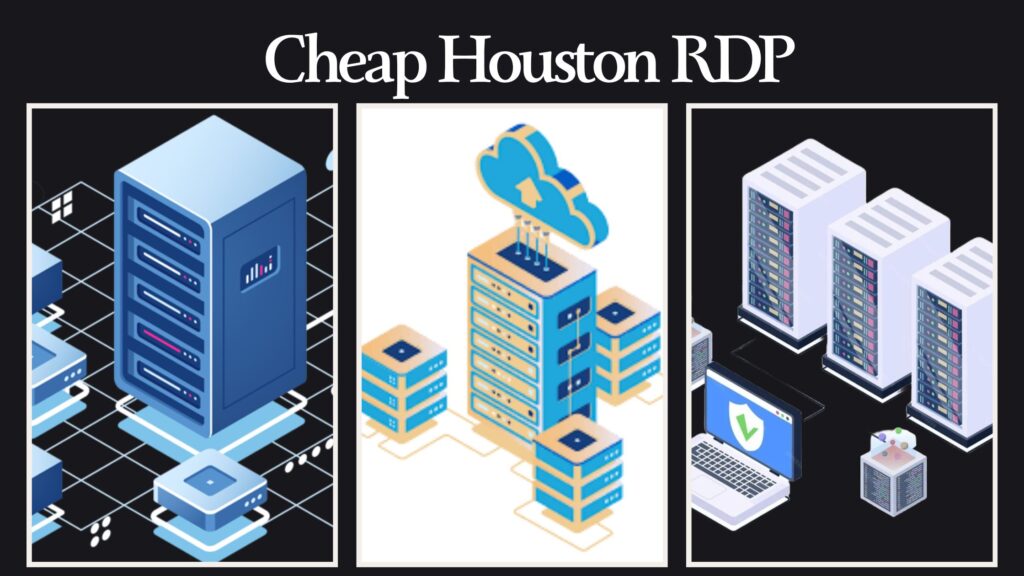
Not everyone needs high-end specs. If your goal is surveys, light automation, or account management, DigiRDP provides entry-level plans that still meet modern standards.
For ultra-budget use cases, you can start with plans linked from
These are ideal for:
- Survey platforms
- Social media management
- Lightweight scraping
- Browser-based tasks
Real-World Use Cases
1. Surveys & Market Research
Houston IP ranges are generally well-accepted across US survey platforms. Combined with residential routing, this can improve completion rates and reduce flags.
2. Forex Trading (MT4 / MT5)
Low latency and stable uptime are critical. Ryzen cores handle charting and indicators smoothly, even during volatility.
3. Automation & Bots
From Selenium to custom scripts, Ryzen Houston RDP provides consistent CPU cycles without throttling.
4. Developers & Test Environments
Deploy a Windows environment for testing builds, CI tools, or SaaS integrations without local hardware limitations.
5. Content Scheduling & Management
Run multiple browser sessions, upload tools, and automation dashboards without crashes.
DigiRDP vs Generic RDP Providers
| Feature | DigiRDP Cheap Houston RDP | Generic Providers |
|---|---|---|
| CPU | Ryzen / EPYC (Pinned vCores) | Old Xeon (Oversold) |
| Storage | NVMe 4.0 SSD | SATA / Shared SSD |
| Network | 1Gbps Optimized | Throttled / Burst |
| Virtualization | KVM / Hyper-V | Unspecified |
| Admin Access | Available | Often Restricted |
| Support | Server-Level Expertise | Ticket-Only |
| Uptime | 99.9%+ | Inconsistent |
Security, Stability & Compliance
From an administrative standpoint, DigiRDP emphasizes:
-
Isolated virtualization
-
DDoS-protected upstreams
-
Host-level monitoring
-
Clean IP reputation management
This is especially important for long-term or monetized workflows.
How to Buy Cheap Houston RDP from DigiRDP
-
Choose a Houston-based plan
-
Select Ryzen or budget tier
-
Enable admin access if required
-
Receive instant credentials
-
Deploy within minutes
No unnecessary upsells. No hidden throttling.
Final Thoughts
A Cheap Houston RDP should not mean outdated hardware or unstable performance. With Ryzen-powered infrastructure, NVMe storage, and US-optimized routing, DigiRDP delivers a cost-effective solution that performs reliably under real workloads.
If performance, control, and long-term stability matter to you, Ryzen Houston RDP from DigiRDP is a practical choice — not just the cheapest option on paper.
Ready to deploy your own server?
Full admin access, DDoS protection and instant setup — pick a plan sized to your workload.
Explore Windows RDP plans