



On this page
The Remote Desktop Protocol (RDP) client is the essential gateway for millions of users who require reliable, low-latency access to remote Windows environments. In the competitive, performance-critical landscape of 2025, simply having a remote connection is not enough; the connection must be optimized for speed, stability, and security.
This guide, written from the perspective of a lead server architect, details how to master the official windows rdp client and, crucially, how to pair it with the high-specification infrastructure at DigiRDP.com to achieve truly professional-grade remote performance.
The "Snippet Snatch": Key Takeaways for the windows rdp client
The windows rdp client is the native software component that uses Microsoft's Remote Desktop Protocol (RDP) to provide a graphical user interface (GUI) from a remote machine. For modern standards, an optimal RDP client experience relies entirely on server-side hardware—specifically, NVMe 4.0 storage, 10Gbps networking, and modern CPUs like AMD Ryzen 9 or EPYC 7003 Series—to ensure minimal latency and superior session stability.
Understanding the Core Technology: Why the rdp for windows Protocol is Critical
The core of any successful remote session is the underlying protocol. RDP, or Remote Desktop Protocol, is Microsoft's proprietary technology designed to allow graphical access to a remote computer. While the rdp for windows client handles the local presentation and user input, the server handles the execution, rendering, and encoding of the display data.
For specialized users—Forex traders executing millisecond trades, Survey Workers managing hundreds of daily sessions, or Admins overseeing mission-critical infrastructure—the stability of this protocol is everything. Any micro-stutter, input lag, or graphical artifact directly impacts productivity or, worse, profitability.
The Anatomy of a RDP Connection: Latency, Encryption, and Experience
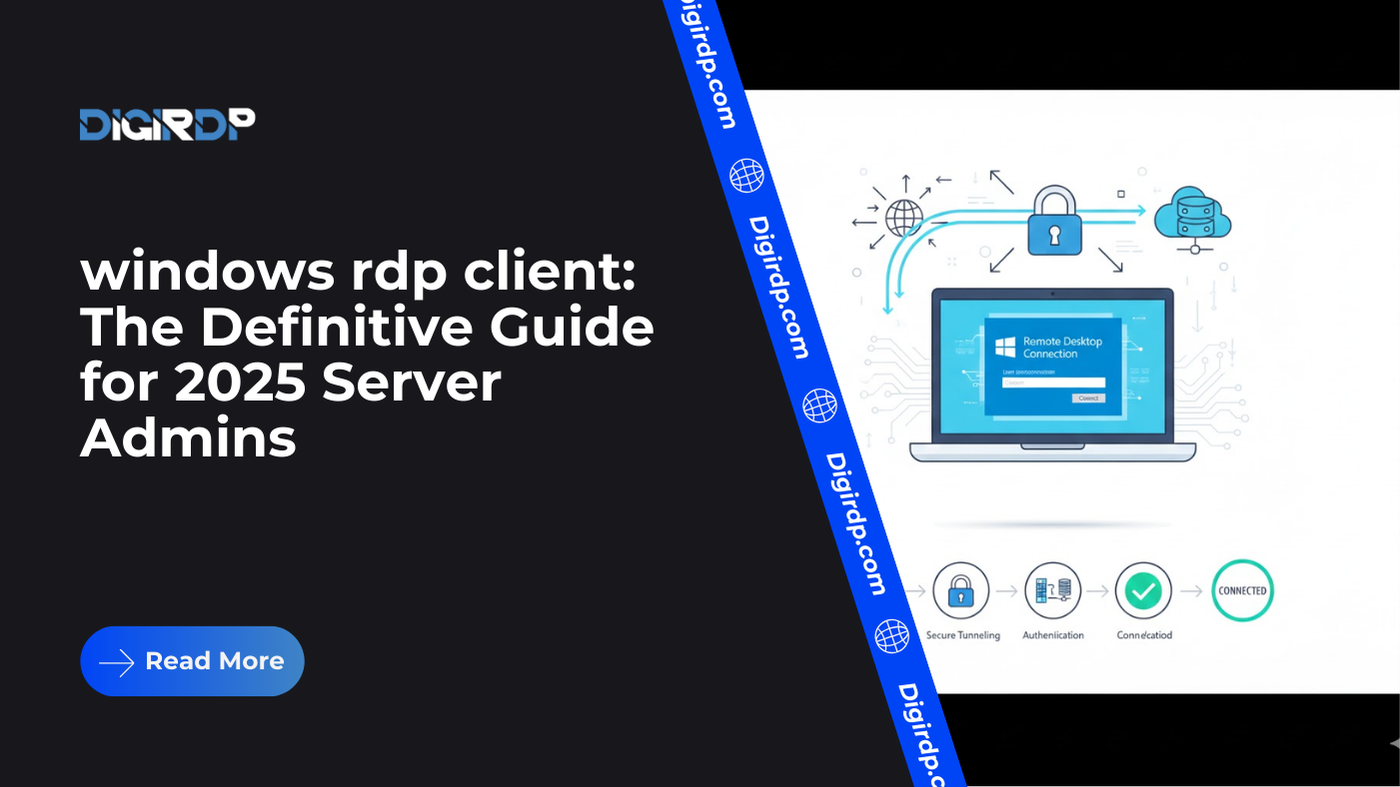
The connection process involves three critical phases:
- Handshake and Authentication: Establishing a secure, encrypted tunnel (typically using TLS/SSL).
- Input Transmission: Your mouse clicks and keystrokes are sent to the remote host.
- Display Encoding and Transmission: The server processes the input, renders the new screen state, compresses the image data, and streams it back to your windows rdp client.
DigiRDP’s infrastructure is engineered to minimize the delay in Phase 3. By deploying high-core-count processors, we ensure the display encoding task is handled instantaneously, effectively reducing the perceived latency between the server and the end-user.
KVM vs. Hyper-V Virtualization for Stability
The hypervisor, the software layer that manages virtual machines (VMs), is a fundamental E-E-A-T factor in RDP hosting.
- Hyper-V (Microsoft): Often preferred for general Windows environments, offering deep integration and robust features. However, it can sometimes introduce minor overhead compared to bare-metal performance.
- KVM (Kernel-based Virtual Machine): The industry standard for high-performance, open-source virtualization. KVM is known for near-native performance, which is vital for applications requiring direct hardware resource access, such as gaming or high-frequency trading.
All premium DigiRDP solutions leverage advanced KVM virtualization, guaranteeing resource allocation remains stable and isolated, avoiding the "noisy neighbor" effect common with oversold shared hosting. This architecture ensures the dedicated power you purchase is the power you receive for your rdp for windows session.
Choosing the Right DigiRDP Server for Your windows rdp client
The choice of server infrastructure must be tailored to the exact workload. A Forex trader has radically different needs than a bulk Survey Worker. Here is how our specialized plans align with your audience's critical needs, ensuring your windows rdp client session delivers optimal results.
High-Frequency Computing for Gamers and Forex Traders
For users who cannot tolerate input lag—specifically, competitive Gamers and professional Forex Traders relying on platforms like MT4/MT5—CPU clock speed and dedicated resource allocation are paramount. These workloads are often single-threaded and require raw processing power to maintain consistent frame rates or ensure rapid order execution.
Our specialized high-power RDP plans utilize top-tier hardware, such as the AMD Ryzen 9 7950X. This CPU offers high clock speeds and a robust architecture, ensuring that your applications run without thermal throttling or competition from other users. This is critical for maintaining an advantage in time-sensitive operations.
If low-latency execution and high computational output are your main concerns, consider our extreme performance options: the India Ryzen 7950X RDP or the AMD EPYC Premium RDP for high-density, multi-threaded workloads.
Real Residential IPs for Survey and Geo-Restricted Work
Many modern workloads, particularly Survey Workers or those involved in geo-restricted content access, require IP addresses that are categorized as Residential by major anti-fraud databases. Using a datacenter IP for these tasks results in immediate blocks and session termination.
DigiRDP addresses this by offering specialized infrastructure built on real residential IP addresses, masking the fact that you are operating from a remote server. This is indispensable for maintaining multiple, persistent, and trustworthy user profiles. If your rdp for windows deployment demands the IP authority of a real residential line, the only solution is to utilize premium options like our USA Real Residential VPS or a Private Residential RDP. This distinction is a non-negotiable requirement for high-trust activities.
Administrative Access and Full Control
The standard windows rdp client connection typically grants a regular user session. However, Server Admins and IT professionals often require complete administrative (root) privileges to manage services, install low-level system software, or configure network stacks.
For these users, having an Admin RDP is non-negotiable. This allows the administrator to perform tasks such as installing custom kernels, managing firewall rules, or executing PowerShell scripts with elevated permissions. Our Admin RDP packages are deployed on isolated environments, granting the user full, unrestricted control over the operating system, which is essential for deploying and testing custom enterprise software.
Performance Metrics: Beyond CPU Cores (Freshness & Tech Specs)
When evaluating RDP hosting in 2025, look past marketing terms like "fast" and focus on verifiable technical specifications that directly impact the performance of your windows rdp client.
The Impact of NVMe 4.0 Storage on VDI Performance
The storage medium is often the most significant bottleneck in virtual desktop infrastructure (VDI). Traditional SATA SSDs or even older generation NVMe drives cannot handle the intense read/write operations of concurrent Windows RDP sessions, leading to slowdowns during system updates, application launches, or heavy multitasking.
DigiRDP utilizes NVMe 4.0 storage as a modern standard. With sequential read speeds potentially exceeding 7,000 MB/s, NVMe 4.0 dramatically reduces disk latency. This translates directly to a much smoother user experience, particularly when logging in, minimizing the frustrating "stuck on loading screen" common with inferior hardware.
10Gbps Ports: The Backbone of Low-Latency RDP
The connection speed of the server's network card determines the maximum bandwidth available for streaming the remote desktop. While a 1Gbps port is standard, it can quickly saturate, leading to visual choppiness, especially during high-motion tasks or when running multiple sessions.
Our premium services are provisioned on servers equipped with 10Gbps (Gigabit per second) network ports. This 10x increase in theoretical throughput provides an essential performance buffer. While the actual connection speed is limited by the path between the server and your local machine, a 10Gbps port guarantees that the server itself is never the bottleneck in your RDP stream, providing the highest quality visual experience for your rdp for windows session.
Decoding and Encoding: A Key to Seamless Streaming
If your workload involves multimedia, such as video editing, broadcasting, or live streaming, the server's ability to handle high-fidelity video streams is paramount.
RDP sessions can be optimized for streaming and encoding tasks, but this requires specialized hardware acceleration (e.g., dedicated GPU encoding cores). For users requiring robust, high-throughput streaming capabilities via their windows rdp client, the server must be optimized for this exact use case. Our dedicated Buy Streaming RDP solutions are specifically configured to manage high-bitrate encoding efficiently, ensuring that the video stream is smooth and artifact-free when transmitted back to your client.
Comparison Table: DigiRDP vs. Generic RDP Providers
| Feature | DigiRDP (Premium Plans) | Generic/Budget Providers | Impact on windows rdp client |
|---|---|---|---|
| CPU Architecture | AMD Ryzen 9 (7000 Series) or EPYC 7003 Series | Older Intel Xeon (v3/v4) or consumer desktop CPUs | Directly impacts execution speed and application performance. |
| Storage Speed | NVMe 4.0 (up to 7,000 MB/s) | SATA SSD or, worse, spinning hard drives (HDD) | Crucial for boot times, application loading, and heavy multitasking. |
| Network Port | Guaranteed 1Gbps minimum; 10Gbps available on premium tiers | Shared 1Gbps, often oversold and congested | Determines stream quality and overall session responsiveness (choppiness). |
| IP Address Type | Datacenter, Residential (on specialized plans) | Exclusively Datacenter (easily blocked) | Essential for Survey Workers and geo-restricted tasks. |
| Virtualization | KVM (near-native performance) | Hyper-V or OpenVZ (higher overhead, shared resources) | Affects resource isolation and consistency of performance. |
| Support | 24/7 Expert Server Admin Support | Ticket-only, non-technical support staff | Essential for resolving complex network or software configuration issues. |
Use Cases: Deploying the windows rdp client for Specialized Workloads
A quality windows rdp client experience is built on a foundation of tailored server hardware. Here we outline how different professional audiences deploy our services.
1. Forex Traders: Minimizing Slippage with Low-Latency RDP
For traders, the RDP session's stability is directly tied to profit and loss. When running automated Expert Advisors (EAs) on MT4/MT5, a sudden connection drop or high latency can lead to slippage—the difference between the intended execution price and the actual execution price.
DigiRDP Solution: By using high-frequency cores like the Ryzen 9 7950X, we minimize the processing time on the server side, and by offering 10Gbps network paths, we reduce the transmission time. This results in an execution environment that rivals a dedicated local machine, ensuring EAs run 24/7 with the highest uptime and lowest possible network jitter.
2. Survey Workers: Geo-Targeting and IP Trust
The primary challenge for Survey Workers and affiliate marketers is IP reputation. Using a low-quality, abused IP range results in immediate rejection by networks.
DigiRDP Solution: Our premium USA Real Residential VPS offerings solve this problem by providing clean IP addresses that register as residential, increasing the trust factor and allowing access to geo-restricted content that would otherwise be blocked. The rdp for windows client then acts as a completely seamless, secure extension of a domestic machine.
3. Server Administrators: Unrestricted Control and Stability
Server Admins need more than just a desktop view; they need full system authority to manage and debug.
DigiRDP Solution: Our Admin RDP services provide full root access, allowing for deep system modifications. The reliability of the underlying KVM virtualization ensures that when an Admin is remotely managing a critical production environment, the RDP session itself is not the point of failure.
4. Budget-Conscious Users: Scalable and Cheap Entry
Not every user requires a 7950X or a residential IP immediately. Many users, such as students or those testing new software, need a simple, reliable, and cheap entry point.
DigiRDP Solution: We understand the need for accessibility. For users who need a functional, basic RDP connection to simply run a few light applications, our entry-level Cheap 1 Dollar RDP provides a budget-friendly option to get started immediately, allowing you to test the waters before scaling up to high-performance dedicated resources.
Conclusion: Mastering Your RDP Experience in 2025
The quality of your remote desktop experience is a direct reflection of the infrastructure powering it. The official windows rdp client is only as powerful as the server it connects to. In the current environment, focusing on technical specifications—NVMe 4.0, 10Gbps networks, and specialized hardware like AMD Ryzen 9—is the only way to guarantee a truly professional, low-latency, and high-performance session.
Whether you need the processing power for gaming, the IP authority for surveys, or full administrative control, DigiRDP offers a finely tuned, purpose-built RDP solution to match your exact needs, ensuring your rdp for windows deployment is future-proofed for 2025 and beyond.
Ready to deploy your own server?
Full admin access, DDoS protection and instant setup — pick a plan sized to your workload.
Explore Windows RDP plans