



On this page
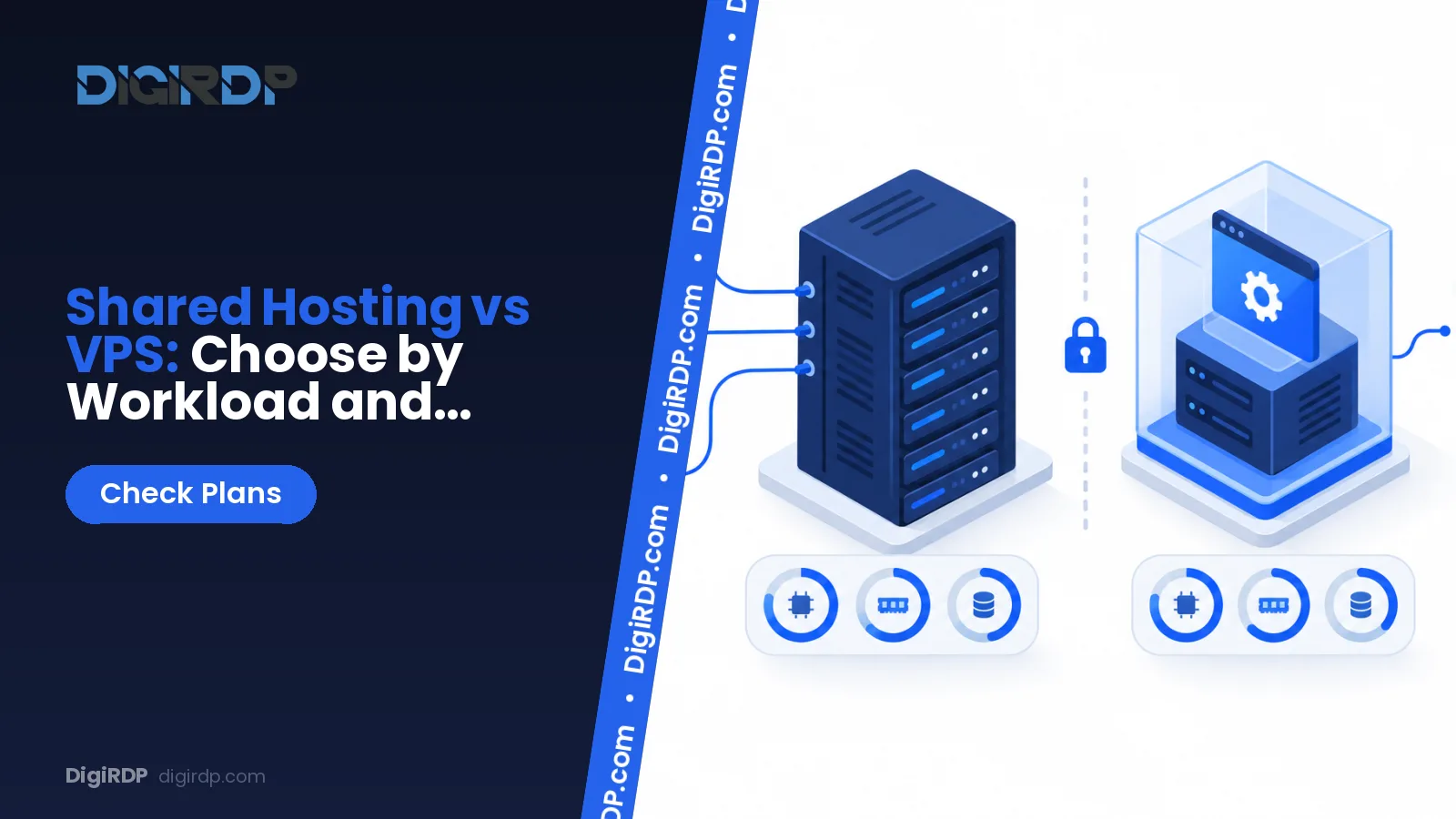
Shared hosting fits straightforward sites with predictable demand, standard control-panel features and little need for server-level control. A VPS fits workloads that need isolated resources, custom software, persistent services or a configurable operating system, provided you can take on administration or choose managed help.
This guide compares the two models by workload signals, resource behaviour, maintenance duties and remote-access requirements so you can choose the environment that matches the application rather than assuming one is always better.
How Shared Hosting and VPS Hosting Allocate Resources
What a shared hosting account usually includes
A shared hosting account normally gives you a managed area on a server, a web control panel and account-level limits. You work within the software versions, process rules and configuration choices made available by the hosting environment.
cPanel allows hosting accounts to have explicit disk-space and monthly-bandwidth quotas, showing that shared hosting environments can impose account-level resource limits. It also supports account-level limits for FTP accounts, email accounts, email storage and mailing lists, which are separate from the underlying server’s total capacity.
What a VPS changes at the operating-system level
A VPS provides a separate operating-system environment with allocated resources. This gives you more scope to select software, configure services and keep an application process running, but it also makes your operating-system configuration part of the workload.
A VPS gives you an operating-system environment where you are responsible for applying updates and maintaining installed software unless your service includes administration.
Why account quotas and server capacity are different
An account quota is the limit assigned to one hosting account; server capacity is the total CPU, memory, storage and network capacity available to the machine or virtual environment. A site can remain within a disk quota yet still need a different environment because its application needs a background process, a custom runtime or more predictable resource allocation.
Shared Hosting vs VPS: Workload Comparison
The table below compares the deciding workload criteria for shared hosting and VPS hosting.
| Criterion | Shared hosting | VPS hosting |
|---|---|---|
| Environment model | Provider-managed hosting account on shared server infrastructure. | Separate operating-system environment with allocated resources. |
| Account-level limits | Usually defined per account for items such as storage and hosting features. | Resources are allocated to the virtual server; you plan usage within that allocation. |
| Resource isolation | Designed for conventional account workloads and provider-set boundaries. | Better suited where the application needs its own environment and configuration. |
| Custom software | Limited to software and settings the hosting environment permits. | Suitable when you need to install and maintain supported server software. |
| Persistent processes | Often restricted by account and platform rules. | Suitable for services that must remain running, subject to your configuration and resource plan. |
| Administrative responsibility | Lower for the server layer because the provider manages the shared platform. | Higher unless administration is included with the service. |
| Traffic variability | Works well when the application remains conventional and predictable. | Useful when traffic behaviour combines with custom application demands or resource pressure. |
| Best-fit workload | Standard websites using typical control-panel features. | Applications needing system-level control, persistent services or custom dependencies. |
Performance consistency and neighbouring workloads
Performance is not determined by visitor numbers alone. A cacheable brochure site and a small application with frequent database work can create very different CPU, memory and storage activity. Review recurring slow requests, resource-limit notices and application logs before treating a move as a purely traffic-driven decision.
Software installation and background processes
Shared hosting is practical when your application runs within the supported control-panel stack. A VPS is the more appropriate model when you need to install a supported runtime, adjust service configuration or operate a persistent worker that the shared environment does not permit.
Administration, patching and recovery responsibility
With a VPS, define who applies operating-system updates, reviews access, maintains backups and tests recovery. Ubuntu Server includes unattended-upgrades by default from Ubuntu 18.04 LTS onward, and it is configured to apply security updates automatically each day; automatic security updates do not remove the need to review your wider application and operational maintenance.
Traffic patterns versus application behaviour
A predictable increase in ordinary page views may be handled through application optimisation, caching or a more suitable hosting tier. Move towards a VPS when the decisive issue is application behaviour: a custom service, a queue worker, a non-standard dependency, a long-running task or a need for operating-system access.
Choose Shared Hosting or VPS Based on Your Requirements
Choose shared hosting if your site is conventional and low-maintenance
Choose shared hosting if you run a conventional website, can use the provided control-panel features and do not require server-level software changes. It is also a sensible fit when you want the provider to manage the shared server layer and your workload does not depend on persistent custom processes.
Choose VPS hosting if your application needs control or persistence
Choose VPS hosting if the application needs its own operating-system configuration, supported custom packages, persistent workers, scheduled processing that the shared environment cannot provide, or direct administrative control. You can review the available VPS options on SSD Managed VPS Hosting after listing the CPU, RAM, storage, operating system and location your workload requires.
When managed infrastructure is the more practical route
Managed infrastructure is more practical when you need the flexibility of a server environment but do not have a clear owner for patching, access control, backup checks and incident response. Clarify the management scope before ordering: operating-system maintenance, application maintenance and database tuning are separate responsibilities.
Signals That It Is Time to Move From Shared Hosting
Resource-limit messages and recurring slowdowns
Repeated account resource-limit messages, recurring slowdowns during normal application activity and requests that fail only when workload concurrency rises are signals to investigate. First identify whether the cause is inefficient code, an unoptimised database query, insufficient caching or a platform restriction; a VPS is useful when the requirement remains after that review.
Custom runtimes, containers and scheduled workers
Consider a VPS when your application requires a runtime or service configuration not offered by the shared environment, or when it needs persistent workers and controlled scheduling. Docker Engine officially documents installation procedures for supported Linux platforms including Debian, Fedora, RHEL and Ubuntu across several CPU architectures.
Persistent Windows applications and remote access
A persistent Windows application that needs remote access is not the same workload as a shared website. Microsoft states that Remote Desktop Services supports session-based desktops, virtual-machine-based desktops and individual RemoteApp applications, making it suitable for persistent Windows application workloads that require remote access.
A growing operational need for logs, firewall rules or database tuning
If you need operating-system logs, firewall decisions, service-level monitoring or database tuning beyond the shared platform controls, plan a move only after documenting the required access and ownership. You can compare related infrastructure models on dedicated storage server comparison before changing service type.
VPS Responsibilities and Workload Planning
Patch management and installed software
Maintain an inventory of the operating system, web server, runtime, database, application dependencies and administrative accounts. Set a maintenance window, apply security updates, test the application afterwards and retain a recovery path that has been checked rather than assumed.
Docker and privileged access requirements
Installing Docker Engine requires root or sudo privileges, although Docker also documents rootless operation for users who should not run the daemon with full root privileges. Docker notes that published container ports may not follow ufw or firewalld rules, so firewall design must account for Docker’s iptables integration.
Remote Desktop Services and persistent Windows workloads
For a Windows workload, list the applications that must remain installed, the number of concurrent sessions, the storage consumed by application data and the access policy for administrators. Microsoft identifies operating-system overhead, Hyper-V overhead per virtual machine and the memory allocated to each virtual machine as separate memory requirements for virtual desktop capacity planning.
How to assess CPU, RAM, storage and location needs
Measure CPU utilisation during busy tasks, memory use under normal concurrency, disk growth and storage I/O before selecting a plan. Choose a location based on where users or dependent services operate, then test the application path after deployment. For a deeper server-administration guide, see Windows RDP vs Linux VPS — Which Should You Pick?.
DigiRDP Options for Windows-Based Workloads
Matching remote application needs to available plans
Windows remote application workloads should be matched to the required access and resource profile, rather than treated as replacements for shared web hosting. The table below provides a plan-matching view for readers evaluating persistent Windows access.
| Requirement | Plan | vCPU | RAM | Storage | Location | Setup time | Price (USD, live) |
|---|---|---|---|---|---|---|---|
| Entry | USA ADMIN RDP #1 | 1 vCPU | 1 GB | 25Gb SSD/NVMe | New York/Dallas | Instant Setup or Up to 12hrs | $6.39/mo, billed annually ($76.70) |
| Standard | Indian Admin RDP #2 | 2 vCPU | 2 GB | 40Gb SSD/NVMe | Pune MH, Mumbai MH | Instant Setup or Up to 12hrs | $7.99/mo, billed annually ($95.90) |
| Performance | Admin RDP PRO 1 | 3 vCPU | 4 GB | 80 GB NVMe | UK/NL+12 | Instant Setup or Up to 12hrs | $14.39/mo, billed annually ($172.70) |
| High-memory | Admin RDP #5 | 6 vCPU (2.5–3.5 GHz) | 8 GB | 120 GB disk | UK/NL+12 | Instant Setup or Up to 12hrs | $27.19/mo, billed annually ($326.30) |
Explore Windows remote-access options on Windows remote-access plans. If your workload instead needs a configurable server environment, review available cloud VPS plans; for workloads that require a different infrastructure model as needs grow, see Dedicated servers.
Checking setup information before ordering
Check the published setup timing for the relevant service family before ordering. The table below compares the published setup or delivery information across service types.
| Product family | Typical published setup time | Slowest published setup time |
|---|---|---|
| Cloud VPS | Instant Setup or Up to 12hrs | Instant Setup or Up to 12hrs |
| Windows RDP | Instant Setup or Up to 12hrs | Setup Time - Instant or upto 5 hours (Max 24 Hrs) |
| Dedicated Server | Setup time 24hr to upto 3days | Setup time 24hr to upto 3days |
Confirm that the selected operating system, access method and resource profile match the application before placing an order.
Frequently Asked Questions
Are VPS and hosting the same?
A VPS is a type of hosting, but it is not the same service model as shared hosting. Shared hosting provides an account in a provider-managed shared environment, while a VPS provides a separate operating-system environment with greater configuration responsibility.
What are the disadvantages of shared hosting?
Shared hosting can limit custom software, persistent processes and server-level configuration. It may also be unsuitable when your application needs direct log access, tailored firewall control or administration of its own operating system.
What is the difference between shared hosting and VPS?
The main difference is the control boundary. Shared hosting is designed around a managed account and provider-set platform rules; a VPS gives you an operating-system environment where you administer supported software and services.
Is VPS hosting faster than shared hosting?
Not automatically. A VPS can be a better fit when resource consistency, custom configuration or persistent services are the constraint, but application code, database queries, caching, storage activity and capacity planning still affect response time.
When should you move from shared hosting to VPS?
Move when a documented workload need cannot be met within the shared environment, such as a required custom service, persistent worker, operating-system access or recurring resource pressure after application optimisation. Plan the migration, backups, access controls and testing before changing environments.
Which is better for me, VPS or self-hosting?
Choose a VPS when you need a server environment without operating your own physical hardware. Self-hosting adds responsibility for hardware, connectivity, power, physical security and replacement planning, while a VPS still requires you to manage the operating system and application unless administration is included.
Sources
- Create a New Account | cPanel & WHM Documentation — docs.cpanel.net
- Security updates - Ubuntu security documentation — documentation.ubuntu.com
- Install Docker Engine | Docker Docs — docs.docker.com
- Install Docker Engine on Ubuntu | Docker Docs — docs.docker.com
- Remote Desktop Services overview in Windows Server | Microsoft Learn — learn.microsoft.com
- Performance Tuning Remote Desktop Virtualization Hosts | Microsoft Learn — learn.microsoft.com
Ready to deploy your own server?
Full admin access, DDoS protection and instant setup — pick a plan sized to your workload.
Explore Windows RDP plans